Go to the RS Class Association portal https://rs-association.com/
Click your main fleet
Click the ‘Accept All’ cookies button or at least accept the “Functionality” cookies.
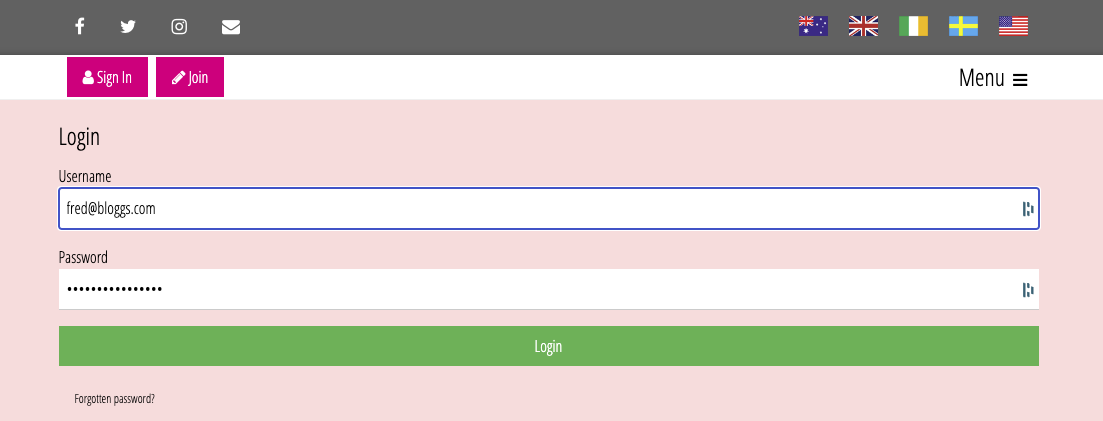
Click the pink ‘Sign In’ box:
Sign in (resetting your password if necessary).
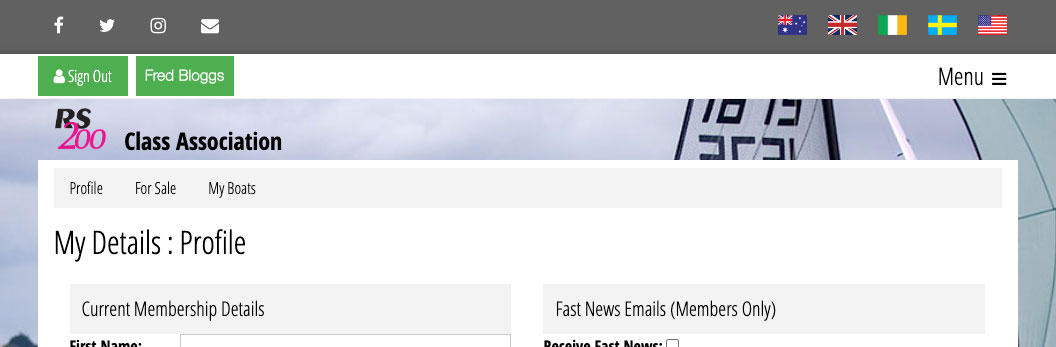
Go to your profile via the menu: members/my profile or by clicking your name next to the sign-out button.
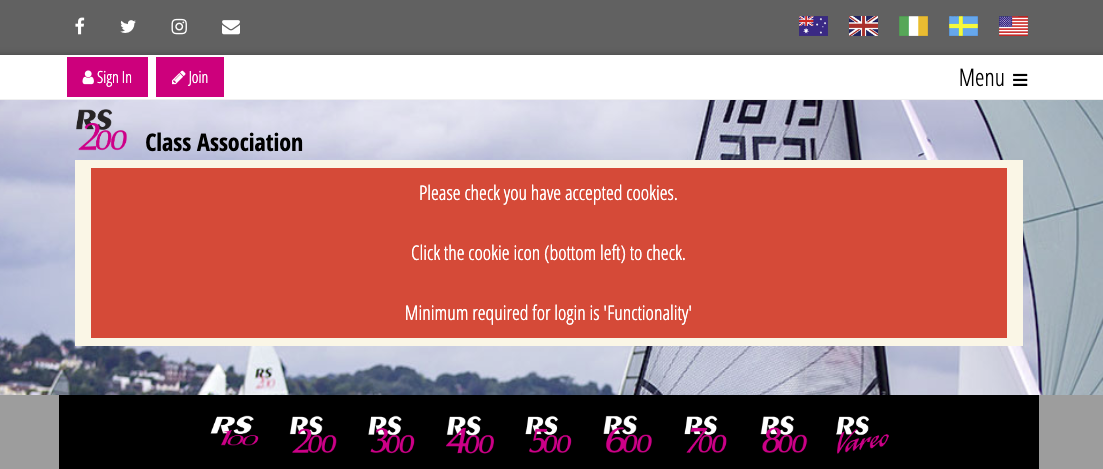
If it gives you the following screen instead, please check your cookies (it’s because the cookies weren’t saved after the initial sign-in) - repeat step 3.