May 06, 2024
In your admin areas you are likely to have an editor to enable you to administer your content. These editors are very powerful and pretty much allow you free reign over the content you want to add to your site.
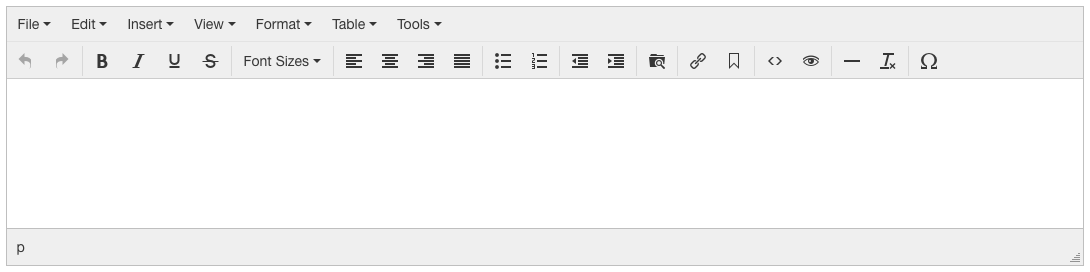
Here's an example of an editor you may find. It may be slightly different depending on the content you'll be editing. So yours may have more or less icons.
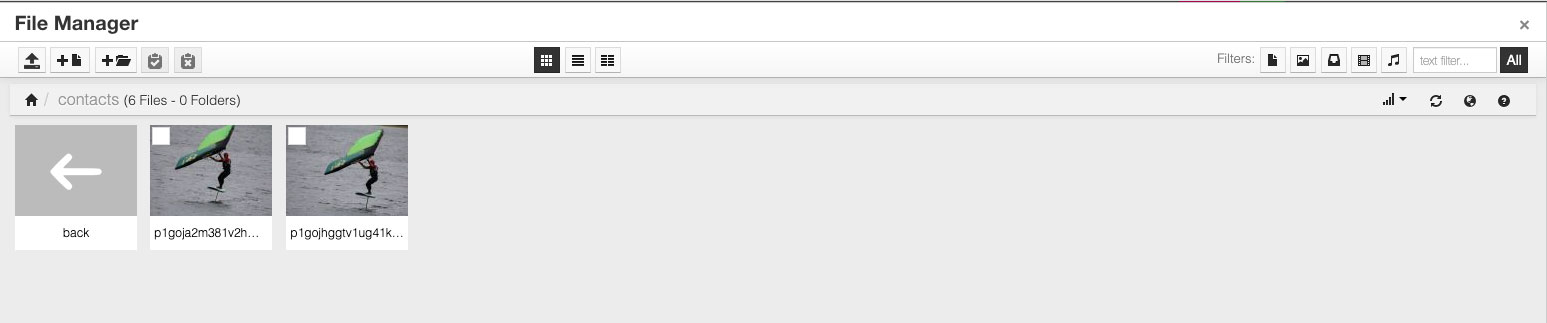
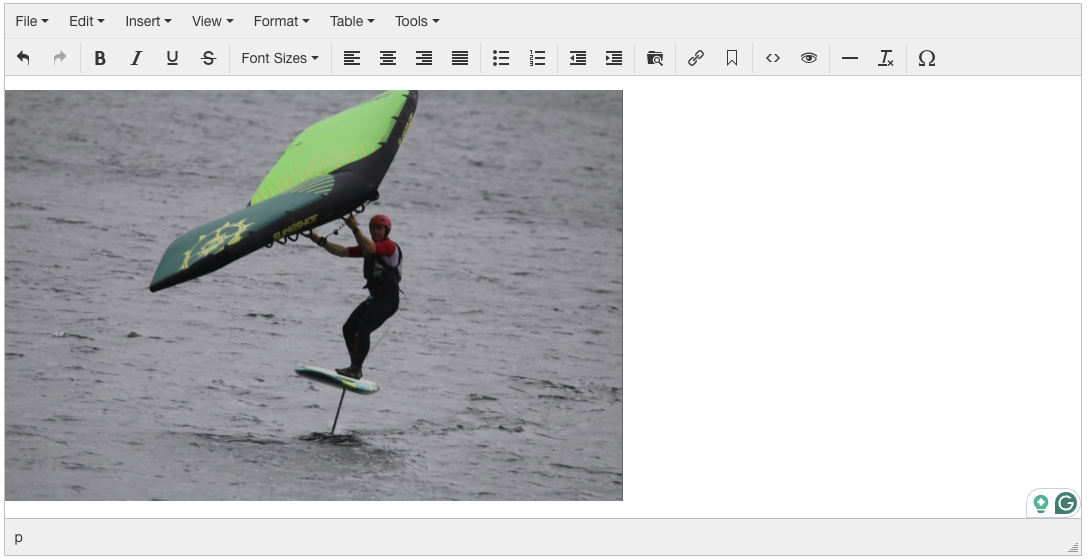
To use any of the files already uploaded in your editors content, just click it and it should appear in the editor.
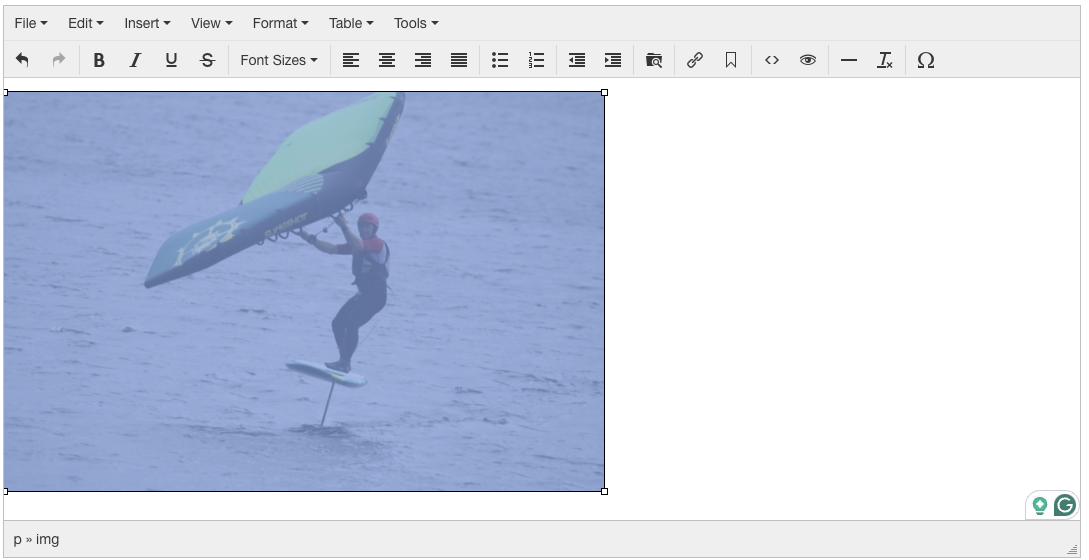
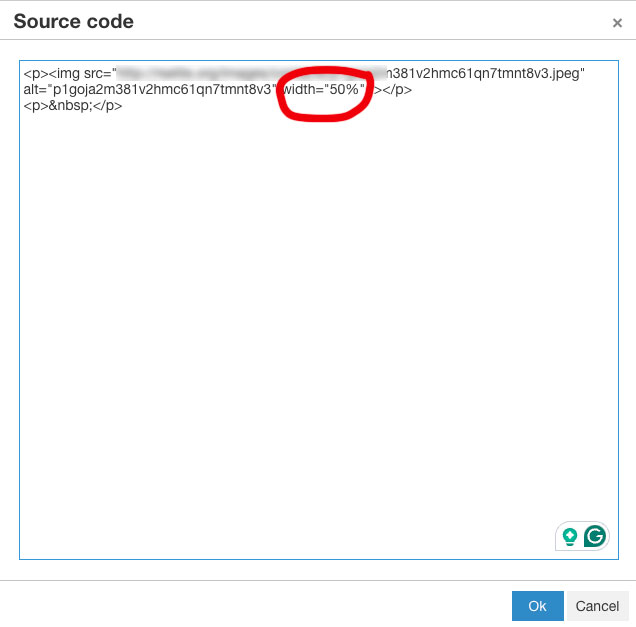
You can also go into the code in the editor and set your image sizes by hand, this is very handy if you wan the images to resize with different screen sizes, e.g. mobile, desktop, tablet.
The code icon is the < > icon.
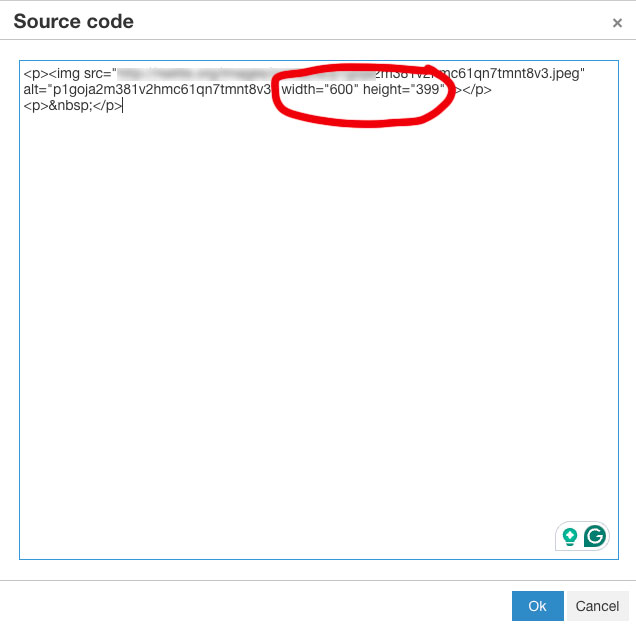
Changing to a width of 50% and removing the height parameter will keep the image at 50% width.