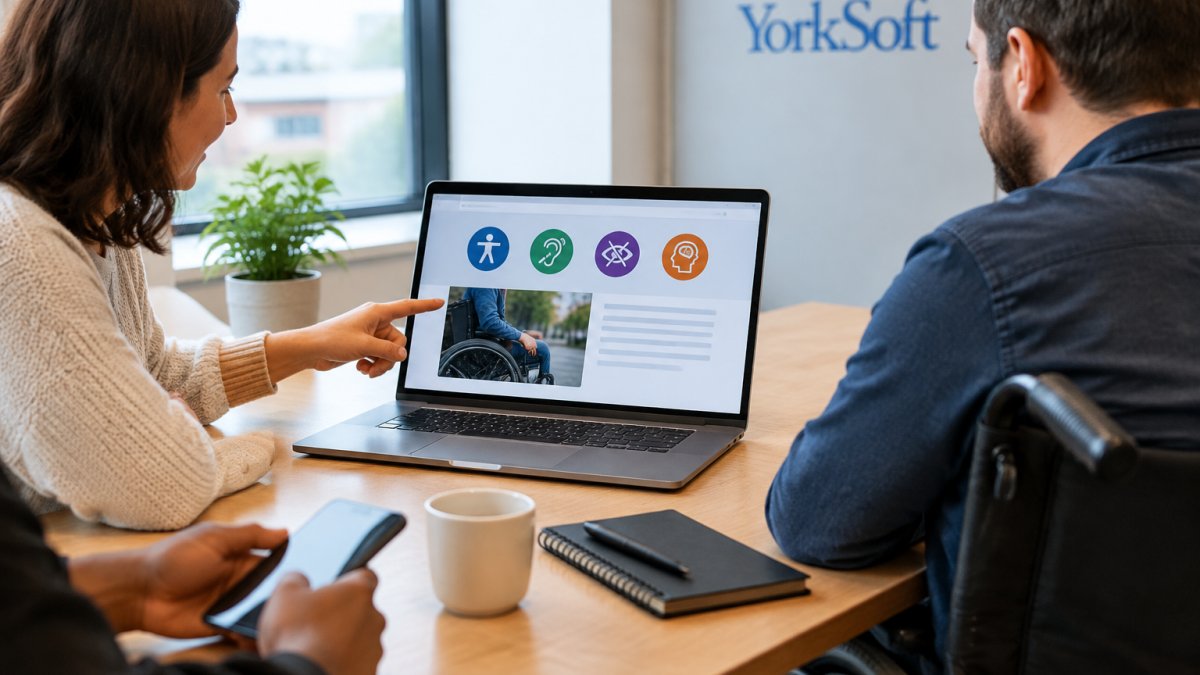
Nov 19, 2026 by Anthony York (YorkSoft Ltd)
Last Updated: November 17, 2026
Quick Summary
Website accessibility means building and maintaining a site that people with disabilities can use as easily as anyone else. Best practice is to follow the WCAG principles, test in a deliberate order starting with a free automated scan, then a keyboard-only pass, and fix quick wins such as alt text and contrast first.
Website accessibility is the practice of building and maintaining a site that people with disabilities can use as easily as anyone else. At YorkSoft Ltd, we see it as a basic standard of care, not a box-ticking exercise. The WebAIM 2026 accessibility report found that home pages now carry an average of 1,437 page elements, up 14.3% in a single year. More elements mean more chances for something to break for a screen reader user.
For a local business, that matters more than most owners realise.
An inaccessible site quietly turns customers away. Someone using a keyboard cannot reach your booking form. Someone with low vision cannot read your menu. Someone using a screen reader hears "click here" six times and gives up.
Clear headings and readable text help everyone, not just people with disabilities.
The Equality Act 2010 requires businesses providing services to the public to make reasonable adjustments for disabled people. For most service providers, that duty extends to their website. We are not lawyers, and this is general guidance rather than legal advice. You can read the full Equality Act 2010 guidance from the Equality and Human Rights Commission for the official position.
The practical point: a site that blocks disabled customers from booking, buying or contacting you is a risk worth removing. Our own privacy policy shows how we handle data on this site, for anyone reviewing compliance across the board.
WCAG is the international set of accessibility standards that organisations commonly use as a reference. It is built on four principles, known as POUR:
WCAG has three levels: A, AA and AAA. Many teams aim for AA as a working target. The W3C Web Content Accessibility Guidelines set out the full success criteria. You do not need to memorise them; you need to test against them.
Accessible design starts before a single page is built. Get the foundations right and most later fixes become easy.
Text must stand out clearly from its background. Weak grey-on-white body copy is the most common failure we see. Use real text, not text baked into images, and let users resize it without the layout collapsing.
Every link, button and form field must work without a mouse. Tab through your site: the focus order should follow the visual order, and a visible focus indicator must show where you are.
If you need a site built to these standards, our web development service covers search-friendly, fast-loading builds. For a wider planning walkthrough, see our guide to website design in Southampton.
Alternative text is a short written description of an image, read aloud by screen readers. Describe the purpose, not the pixels. "Chart showing enquiry volume rising" beats "image1.jpg".
Decorative images need empty alt text so screen readers skip them. Informative images need equivalent text that carries the same meaning.
Link text matters just as much. "Click here" tells a screen reader user nothing. "Read our accessibility checklist" tells them exactly where the link goes. Keep links descriptive and avoid opening new windows without warning.
Testing website accessibility means checking your site with the same tools and methods disabled users rely on. Most guides give you a flat list of checks. A more useful approach for a small business is to run the tests in a deliberate order, so you fix the cheap, high-impact problems first and only then spend time on the technical work.
Work through these in order. Each stage catches a different class of problem, and later stages assume the earlier ones are clean.

Not every fix costs the same. Missing alt text, vague link text, poor contrast and unlabelled form fields are often content or styling changes that can be made quickly. Focus management in a custom widget, ARIA on a complex menu, and accessible PDF remediation are technical jobs that need a developer. Sequence the quick wins first so the site improves while the harder work is planned.
Watch out: testing only your home page. The journeys that matter, booking, checkout, contact forms, directions, usually live two or three clicks in, and that is where the failures cluster.
Accessibility is not a one-off audit. New content, plugin updates and third-party widgets all reintroduce problems. A practical rhythm for a small business is a quarterly automated scan, a keyboard pass after any template or plugin change, and a fuller review once a year. Pair this with our technical SEO checklist so crawlability and accessibility improve together, and if you would rather hand the testing over, our contact page is the place to start.
Work through these accessibility tests in order, so the cheap, high-impact fixes come first.
| Stage | What to do | What it catches |
|---|---|---|
| Automated scan | Run WAVE or axe DevTools across key pages | Missing alt text, contrast failures, missing form labels, empty links |
| Keyboard-only pass | Put the mouse away and tab through every page | Focus order, visible focus indicator, focus traps |
| Screen-reader pass | Test with NVDA on Windows or VoiceOver on macOS and iOS | How headings, links, labels and errors are announced |
| Zoom and reflow check | Zoom to 200% and then to 400% | Layout holding without horizontal scrolling |
| Content and document check | Open PDFs, menus and downloadable forms | Scanned PDFs with no text layer |
| Journey testing with disabled users | Bring in people with different access needs | Problems automated tools miss |
Use this website accessibility checklist for small businesses before and after any site change:
A widget you embed can undo a well-built page, so test it as part of your journey.
Good accessible website design examples share the same habits. Accessible sites list their menus and documents as real text with clear headings, and let visitors book by keyboard alone.
You can see how we approach real builds in our case studies. For Northampton businesses serving local customers, these patterns matter: clear contact routes, readable opening hours, and forms that work on any device.
An accessibility audit finds the gaps before your customers do. We review your site against WCAG, test the journeys that matter, and give you a prioritised fix list.
YorkSoft can help with bespoke builds, SEO and AEO work, and ongoing technical checks, so accessibility can stay part of the site rather than a one-off project.
If your site locks out disabled customers, you are losing enquiries you never see. YorkSoft Ltd can audit your site, fix the issues and keep them fixed, with rank monitoring and technical SEO built in. Get started with YorkSoft Ltd and make your website work for everyone.
Start with the POUR principles: make content perceivable, operable, understandable and robust. Provide alternative text for images, ensure keyboard navigation works with a visible focus indicator, use sufficient colour contrast, write descriptive link text, and structure pages with proper headings and semantic HTML. Test with real assistive technology such as screen readers, and review your site regularly as content changes. An accessible website is an ongoing commitment, not a one-off fix.
The Equality Act 2010 requires businesses providing services to the public to make reasonable adjustments for disabled people, and this applies to websites. There is no single certificate, but failing to address accessibility can lead to complaints and legal risk. Practical steps such as alternative text, keyboard access and readable contrast show you are taking the duty seriously. An accessibility audit helps you identify gaps and prioritise fixes.
Run automated tools first to catch missing alternative text, contrast issues and heading errors. Then test manually: navigate using only a keyboard, check focus order, and try a screen reader such as NVDA or VoiceOver. Ask disabled users to complete key tasks like finding your address or submitting a form. Review your results against WCAG guidelines, fix the highest-impact issues first, and schedule regular checks as your content changes.
Review accessibility whenever you add new pages, forms or images, and at least once a year as a formal check. Automated scans can run monthly to catch regressions. A full manual audit, including testing with disabled users, is worth doing annually or after a major redesign. Keep a simple log of fixes and dates so you can show ongoing effort. Accessibility is continuous maintenance, not a one-time project.